
BOUTIQUE RESIDENTIAL DEVELOPERS
Present the project
before it is built.
Before construction, buyers have to understand the project from its presentation. Bring the architecture, interiors and setting together in imagery for homes and boutique residential developments.
Book a 15-minute conversation Plan your presentation ↓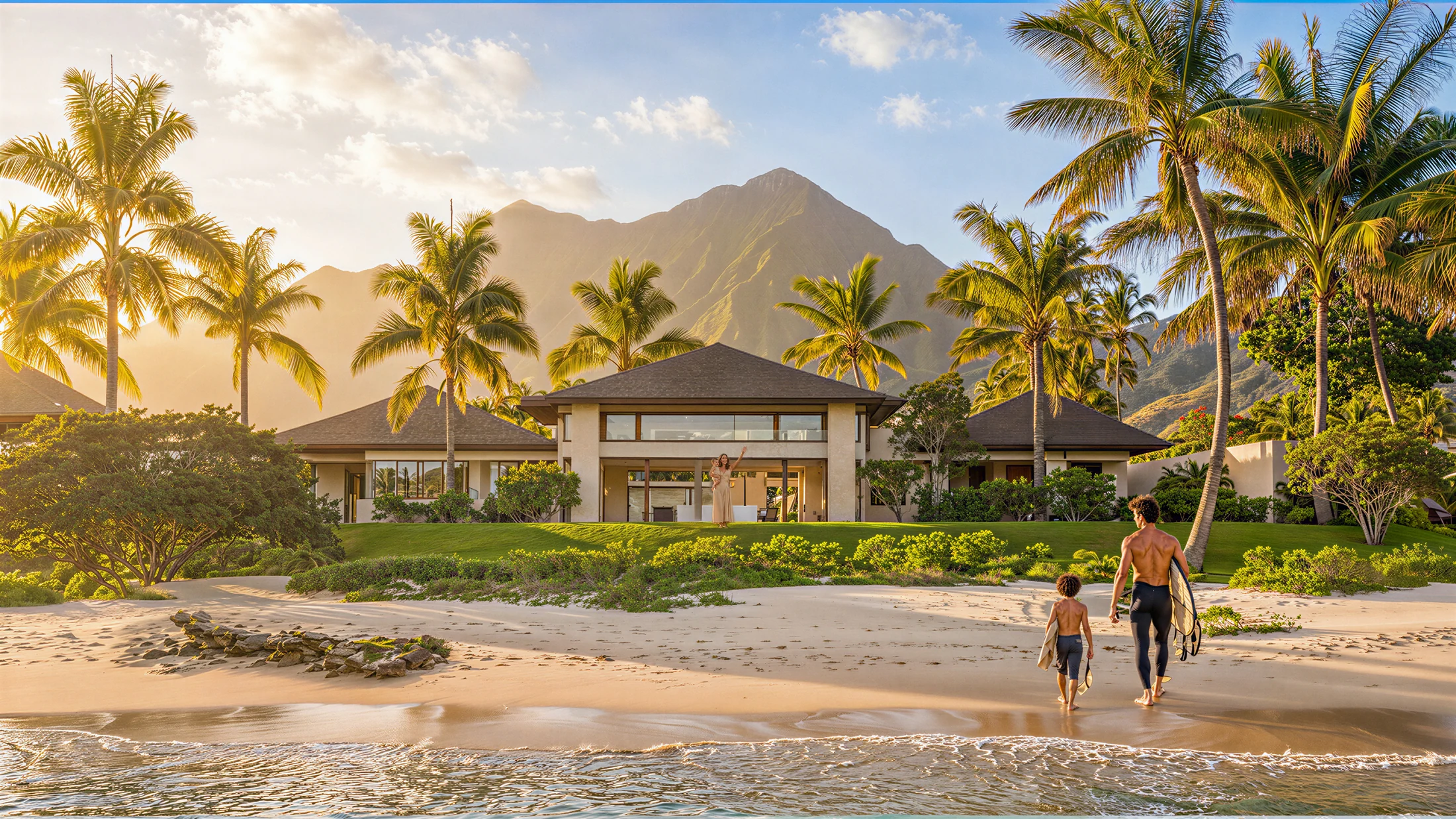
THE NEED
Start with what the presentation must explain.
Is the audience evaluating the architecture, comparing interiors or trying to understand the setting? Define those questions before choosing the images. A useful sequence connects the answers.
THE WORK
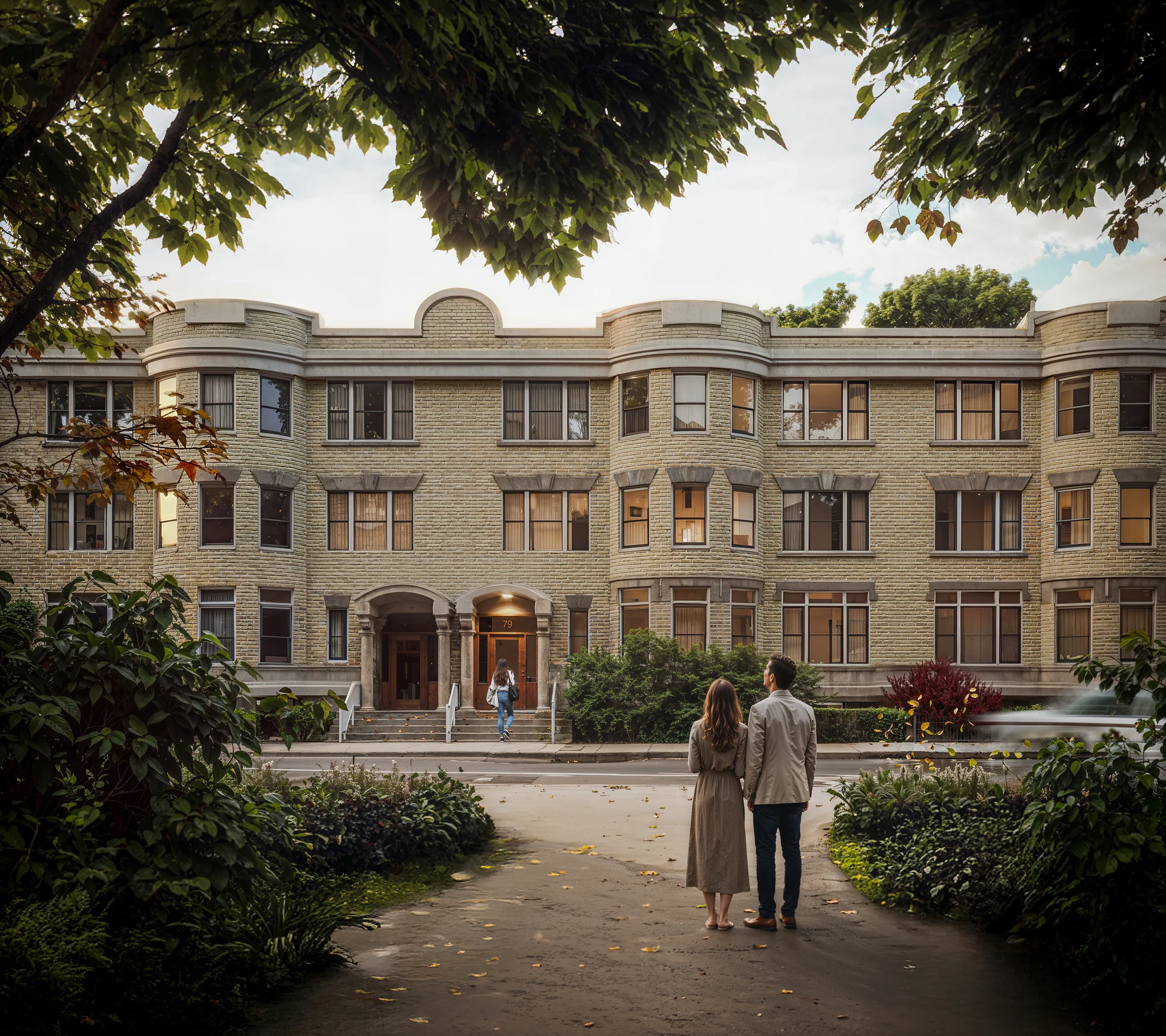
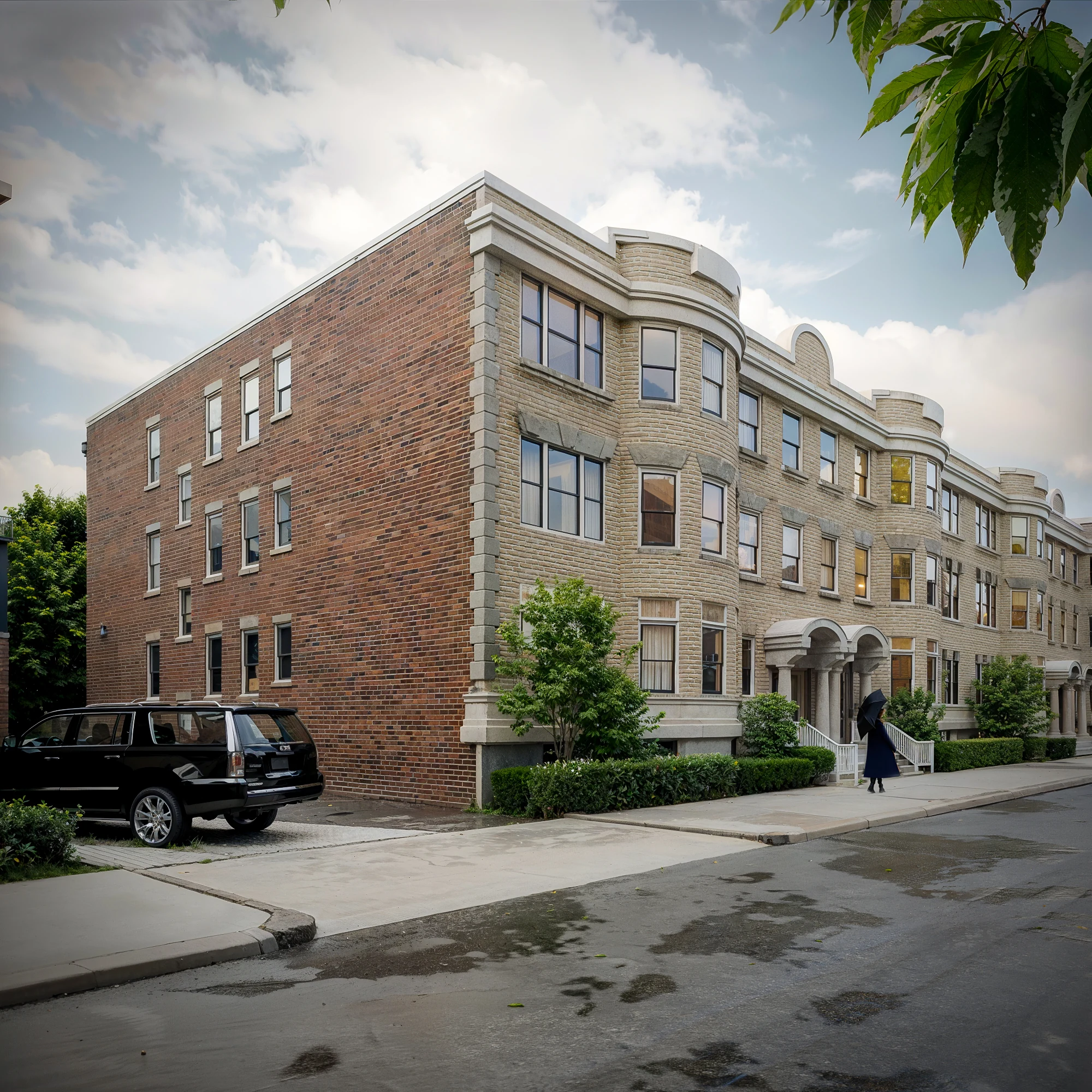
Two addresses. One development.
THE VISUAL DECISION
Make the relationship between the two addresses clear.
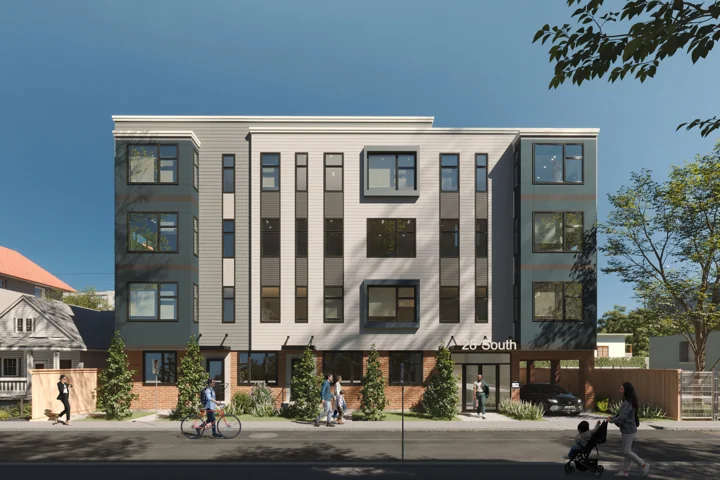
The exterior views identify each building. The interior views show their living spaces. Together, the series connects the architecture at street level to the spaces within.
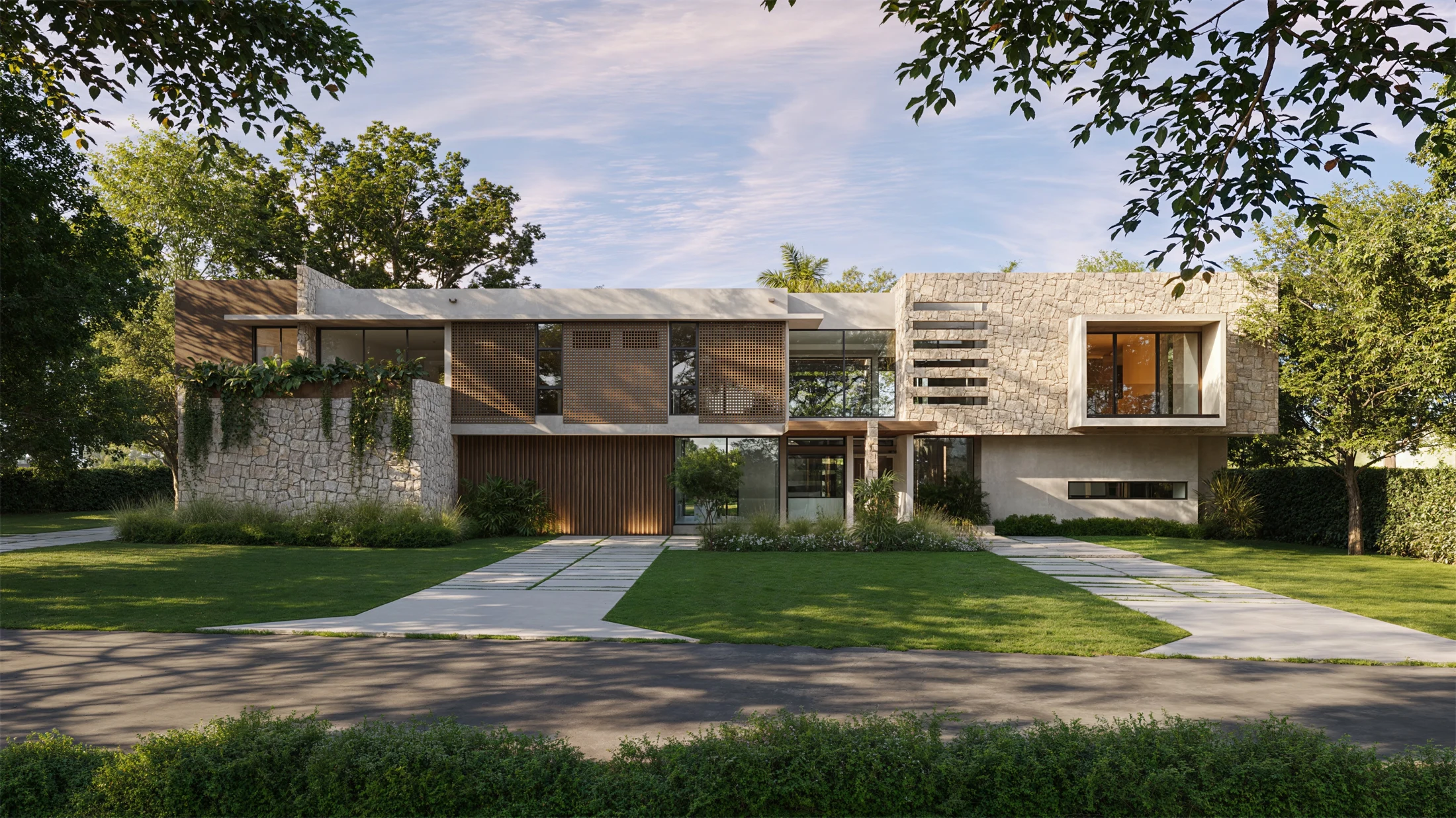
Casa 63
Interactive demonstration
When exploration helps explain the property, images, plans and context can form a guided experience. Open the demonstration to explore the format.
Open interactive demonstration ↗ (opens in a new tab)PLANNING YOUR PRESENTATION
Which views and formats does the project need?
A starting point for the conversation, based on the information available for your project.
Where should the presentation start?
Identify the project stage and audience. A design review and a buyer presentation may use the same project information to answer different questions.
What belongs in the visual sequence?
Begin with the exterior, key interiors and context the audience needs to understand. Add views when they explain something the existing selection does not.
When does an interactive experience help?
Consider it when visitors need to connect imagery with plans or location context. Casa 63 demonstrates that guided format. The commissioned scope is defined around the project.
“The renderings really helped with preconstruction marketing.”
WORKING TOGETHER
- 01
Define the presentation.
- 02
Build the visual sequence.
- 03
Prepare the agreed formats.
Useful starting points: Project stage, plans, design references, intended audience and launch milestones.
Explore our services ↗LET’S TALK
What does your
project need to explain?
The first conversation covers the audience, project stage and presentation milestone. We can then discuss a visual sequence and the formats appropriate to it.
Book a 15-minute conversation Send the project brief and intended milestone ↗Include the project stage, available design information and where the presentation will be used.
contact@studiomirrorbox.com